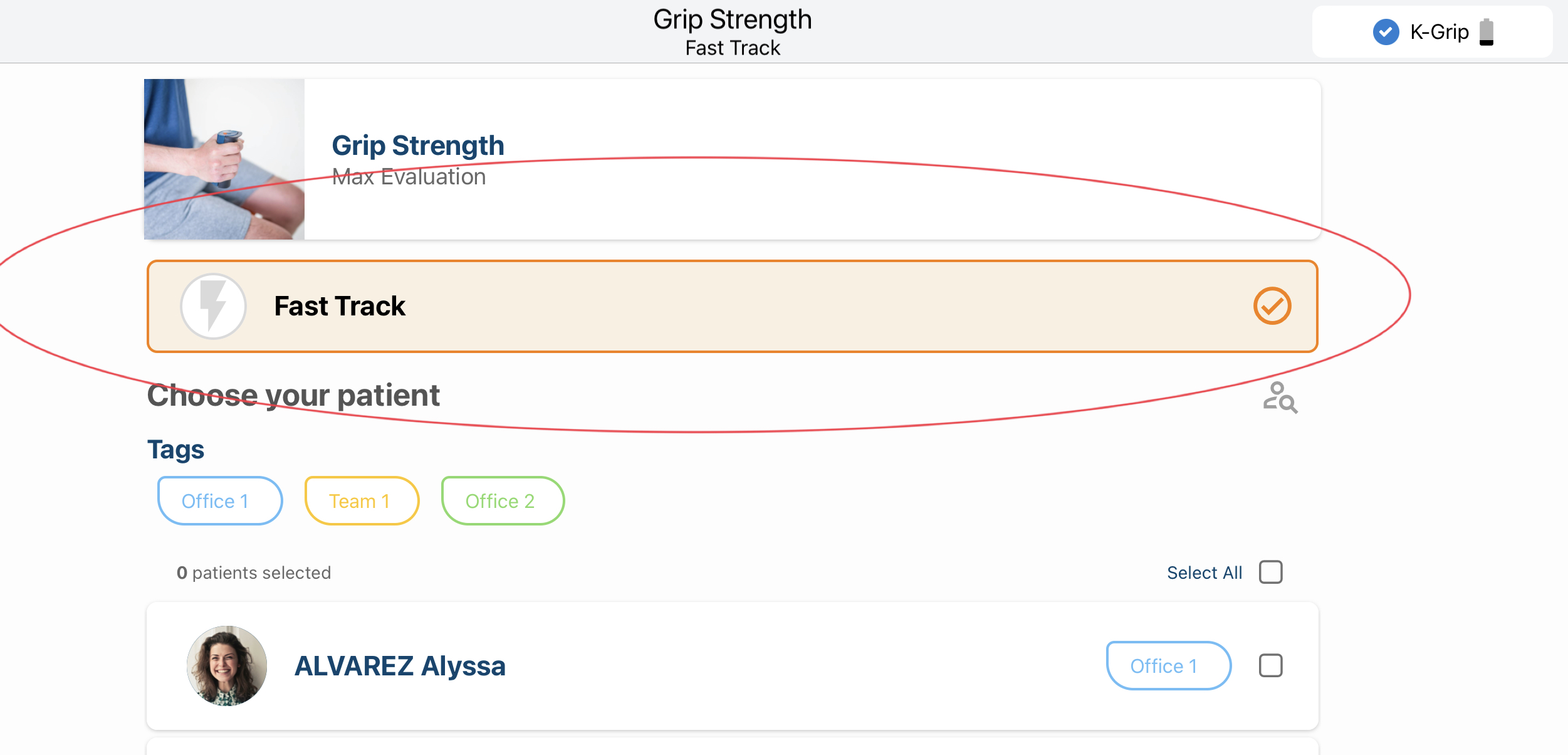
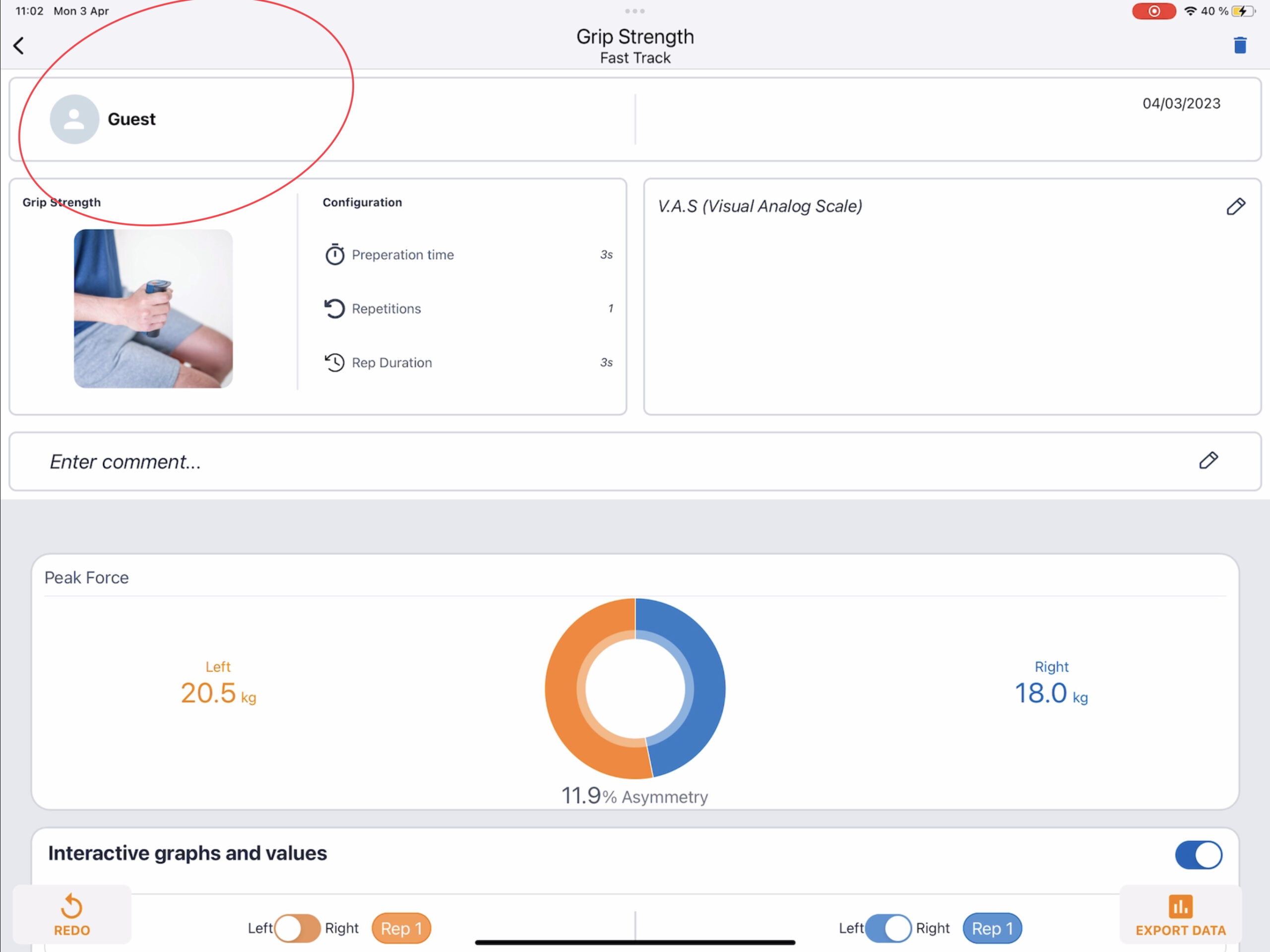
How to Set Up the Fast Track Option? Premium Plus Updated November 06, 2025 08:19 Share Steps to follow: Go to Favorite activities. Select the activity you want to perform with Fast Track or add a new one. Click “Start.” Next steps: Select “Fast Track.” Start the activity and set the configurations. At the end of the assessment, the report is not assigned to any patient. If you want to save it, export it as a PDF or CSV. Tutorial Video