
Evaluate Your Team's Performance with the Leaderboard Feature
| The Leaderboard feature allows you to easily evaluate and compare your team members' performance. Follow the steps below to create and manage a leaderboard: | 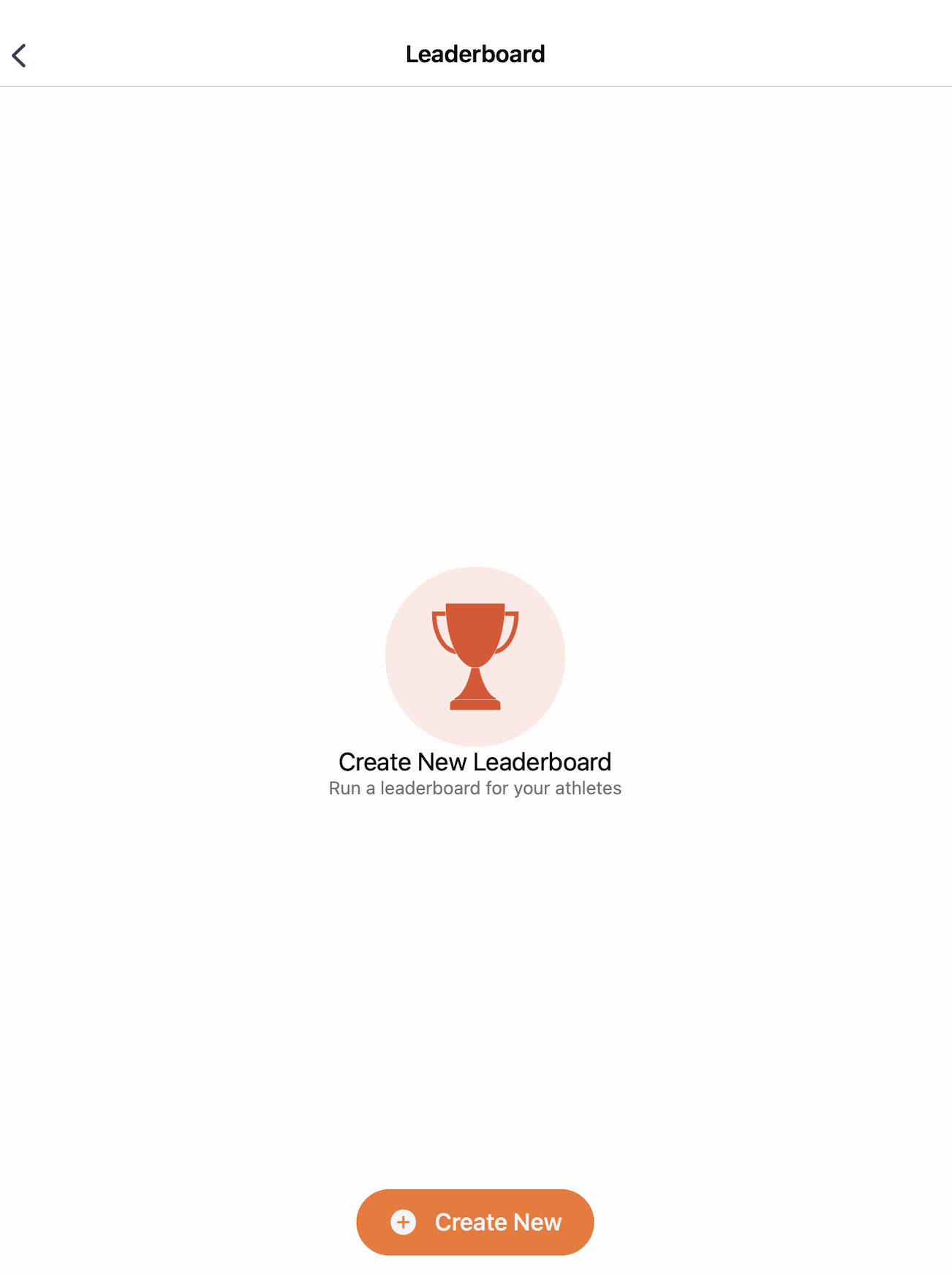 |
Steps:
- Go to the dashboard and click on the "Leaderboard" button.
- Click on the "Create New" button.
- Enter a title for your leaderboard.
- Select the activity you want to use to evaluate your team.
- Choose the Key Performance Indicators (KPIs) you want to track.
- Select the patients or athletes to include in the comparison.
- Set a date range for your evaluation:
- Select both a start and end date, or
- Set only a start date. If no end date is chosen, the leaderboard will automatically update with each new evaluation.
- Compare and evaluate your team members’ performance based on the selected KPIs.
- Export the leaderboard results by clicking on "Export Results". You can select which KPIs to export and choose between PDF or CSV format.