
Do you need to export data for multiple patients or athletes simultaneously?
Use the Group Export feature by following these steps:
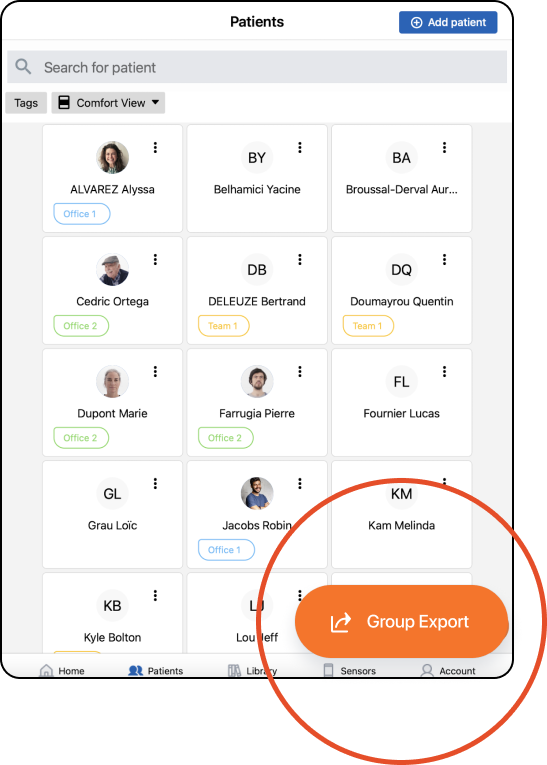
- Navigate to the patient list.
- Click the “Group Export” button.
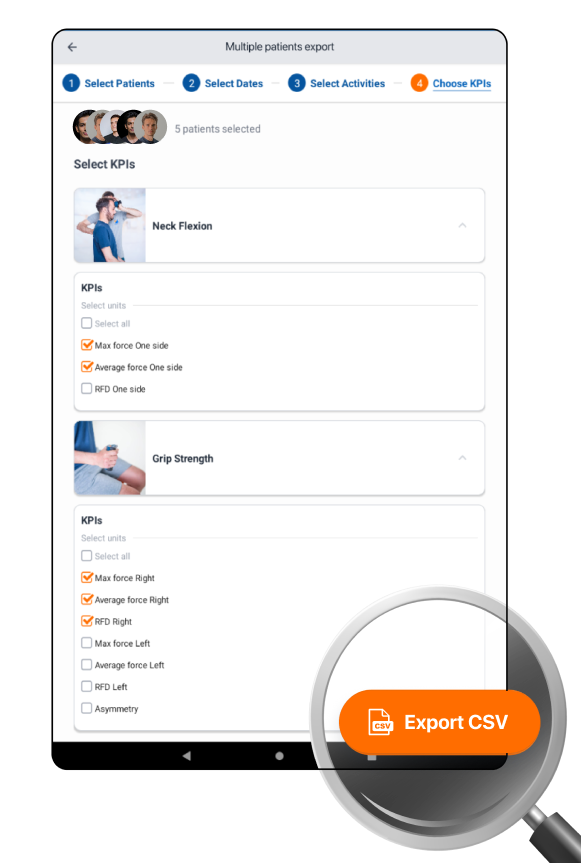
- Select the patients whose data you want to export.
- Specify the date range for the export.
- Select the specific Activities for which you want to retrieve data.
- Customize the KPIs (Key Performance Indicators) to include in the export.
- Click “Export CSV” to generate a CSV file with all selected data.
Video