
Library Button
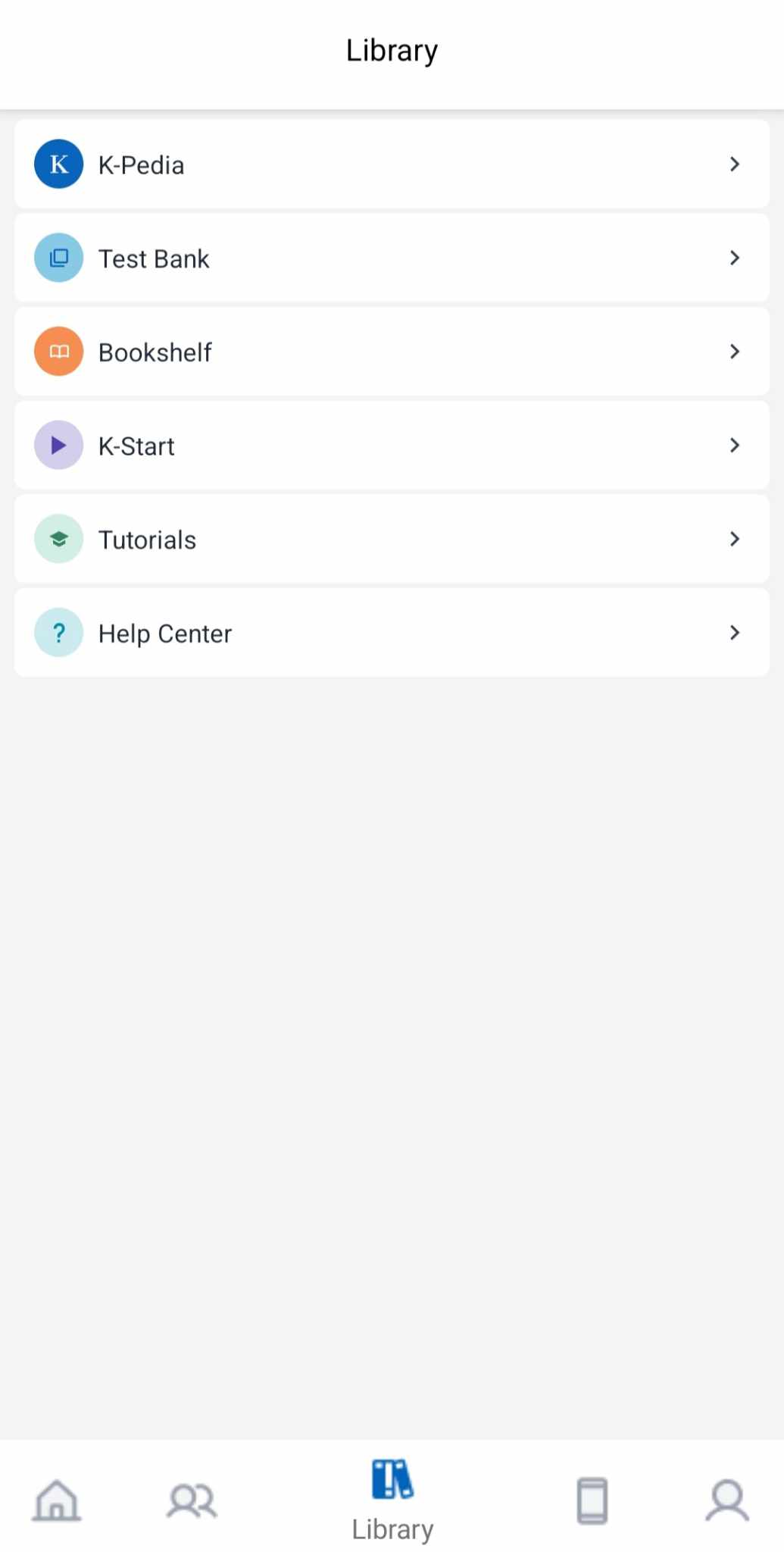
We created a new tab called Library where professionals can access files and information. This section includes the following subsections: K-Pedia, Test Bank, Bookshelf, K-Start, Tutorials, and Help Center. |
|
 |
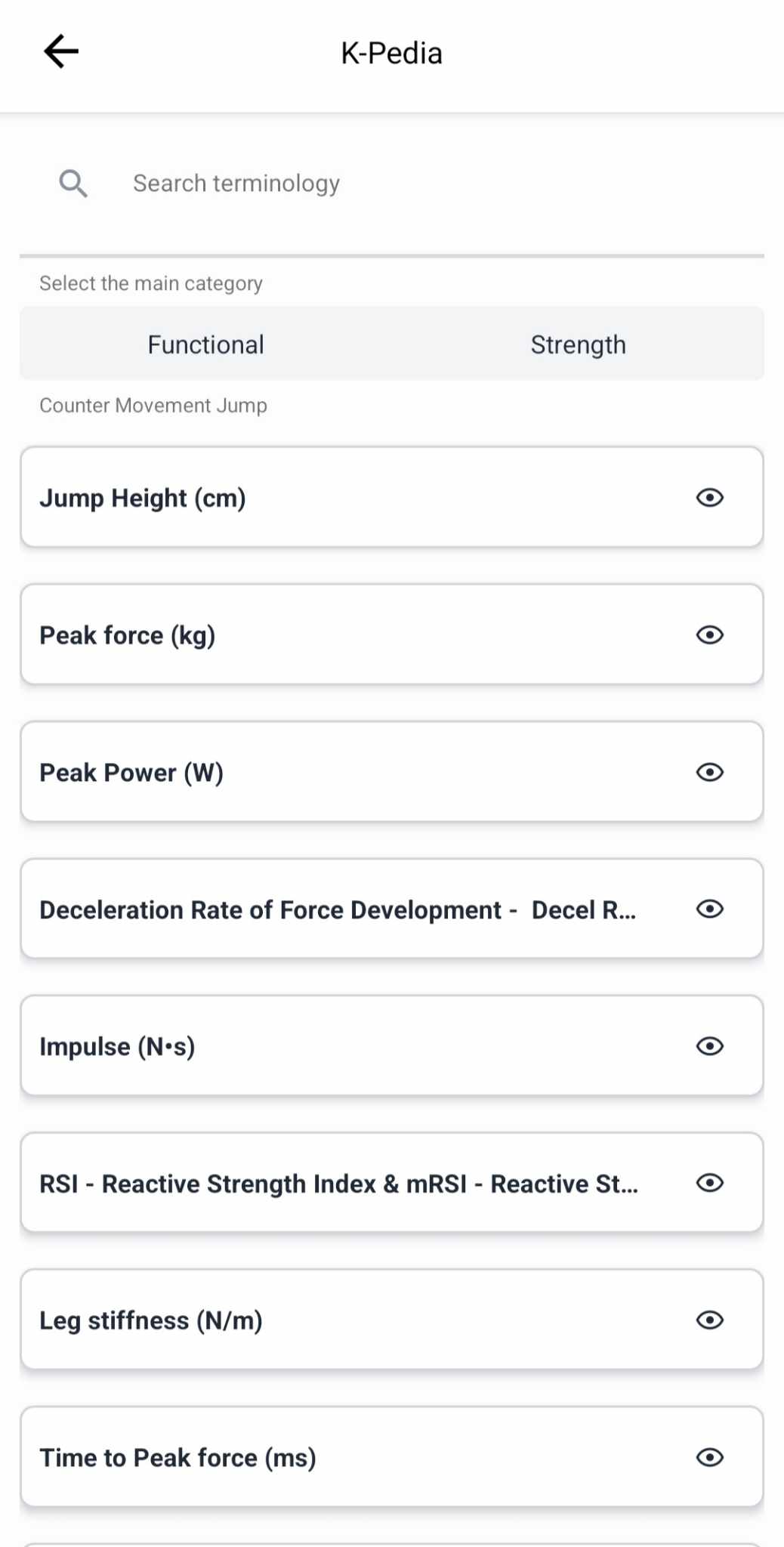
1. K-PediaAccess explanations about metrics in the reports. You can search for metrics or filter them by category or assessment. |
|
 |
 |
2. Test BankYou can check your tests and ID cards without opening a patient profile first. This allows you to review available assessments, prepare sessions, and access information easily. |
|
 |
 |
3. BookshelfFind eBooks created by Kinvent (e.g., the CMJ eBook, which is very useful for understanding the CMJ test). You’ll also find all publications made using Kinvent tools. |
|
 |
 |
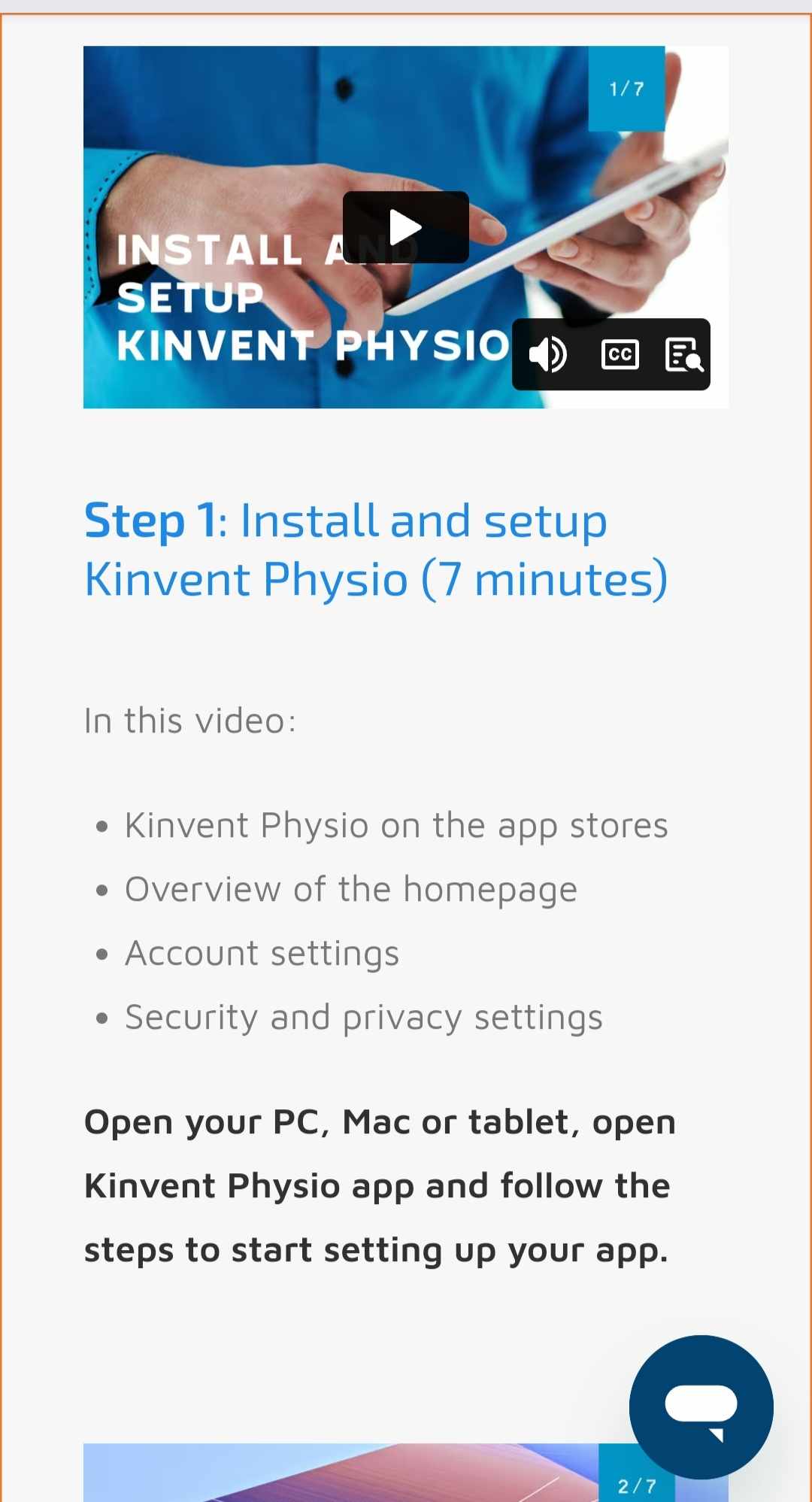
4. K-StartOn this site, you’ll find all the resources you need to get started with your new Kinvent sensors. Follow the step-by-step instructions to get set up quickly! |
|
 |
 |
5. TutorialsIn this series of tutorials, discover Kinvent sensors in real-life situations: installation of the sensor and patient, test protocol, test performance, and assessment. Each step is explained in detail in just 3 minutes. |
|
 |
 |
6. Help CenterHere you’ll find themed articles about your Kinvent App, including help with configuration, setting up activities or training sessions, and general use cases. |
|
 |
 |