
Subscription required: Starter license
Activate the Second Channel
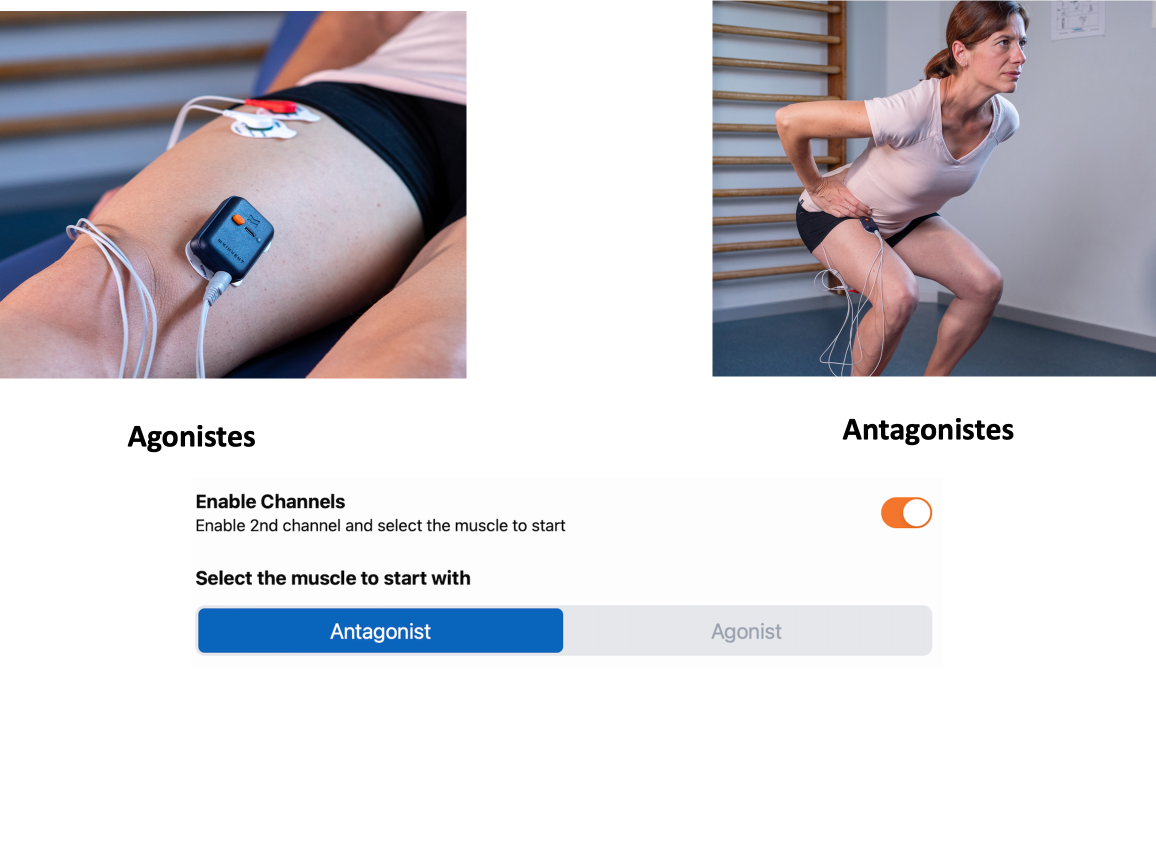
To activate the second channel and assess two different muscles simultaneously, follow these steps:
- Place the K-Myo (1st channel) on the muscle corresponding to the selected activity (e.g., Quadriceps).
- Connect and position the electrodes on the desired muscle.
- Turn on the K-Myo.
- Choose one of the K-Myo single activities.
- Activate the "2nd channel" option.
- Select the location for the 2nd channel (Antagonist or Agonist). For example, if you place the 2nd channel on the hamstrings, choose "Antagonist".
- Start the evaluation.